
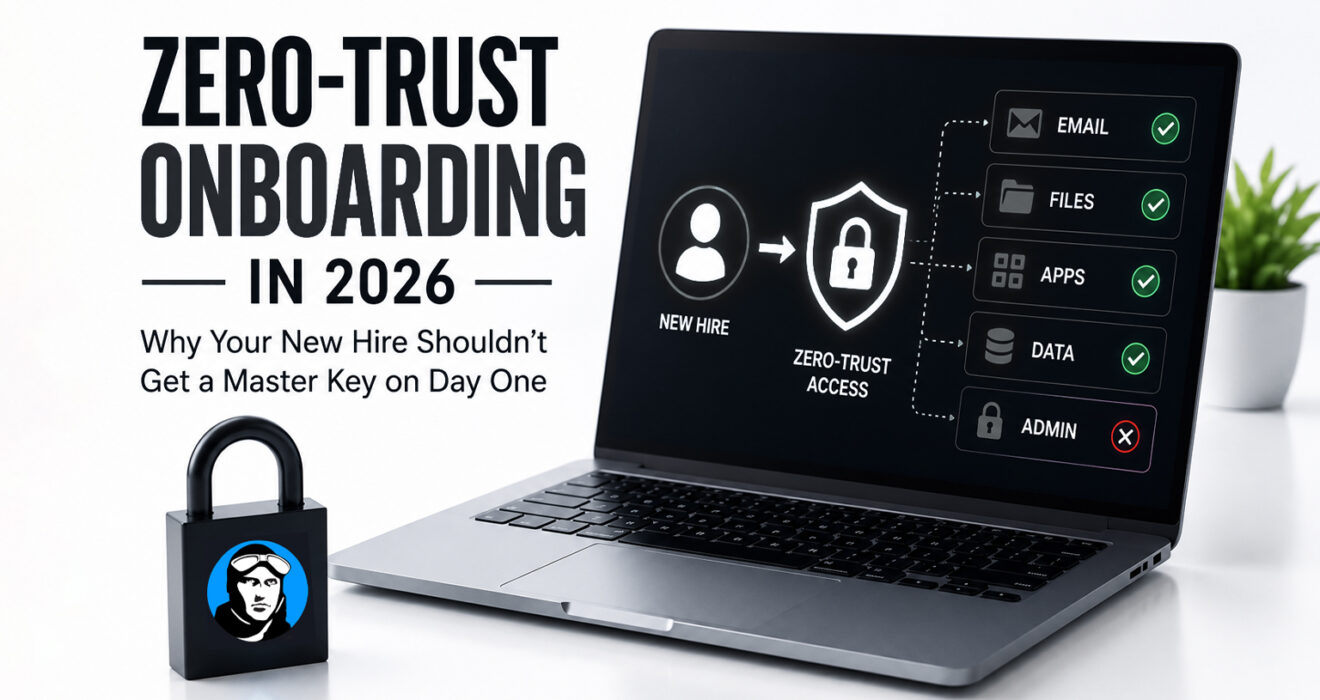
Why Your New Hire Shouldn’t Get a Master Key on Day One
A building analogy for rethinking how much access is really necessary at the start
No office manager hands a new employee a master key to every door in the building on their first day, just to save time. They get a key to the doors their job actually requires (the front entrance, their department, maybe the supply closet), and more doors open up as their role does.
Most businesses would never think twice about that. Yet plenty of the same businesses hand out the digital equivalent of a master key the moment someone joins: broad system access, copied from whoever sat in the role before, “to get them going quickly.”
It’s a habit built for convenience, and it quietly creates more risk than it saves in time.
What the Alternative Looks Like
Zero-trust onboarding isn’t about distrusting new hires. It’s about being deliberate: access tied to role rather than convenience, every user verified regardless of tenure, permissions limited to what the job actually needs, and access revisited over time rather than granted once and forgotten. Nobody assumes a new employee needs to see everything just because it would be easier not to think about it.
Where the Old Habit Creates Hidden Risk
The shortcuts are familiar: a new hire added to a broad distribution list because it was easier than figuring out the right one, access literally copied from a departing employee’s account, credentials shared “temporarily” that quietly become permanent. None of these feel risky in the moment. They just sit there, unnoticed, until an audit or a departure forces someone to ask why so many people can see things they don’t need.
Why This Matters More Now Than It Used To
A few things have changed the math. Cloud platforms make granting access nearly instant, which also makes over-permissioning nearly effortless, a checkbox rather than a conversation. Employees now log in from home networks, personal devices, and airport WiFi, which makes who has access matter more than where the office door happens to be. And clients, regulators, and insurers increasingly want a straight answer to “who can see this, and why,” a question a role-based system answers easily and an ad-hoc one usually can’t.
What This Looks Like Done Well
- Access tied to a defined role rather than assigned by hand each time.
- Identity treated as the actual security boundary: MFA enabled immediately, login policies enforced the same way for everyone.
- Permissions that expand deliberately as someone takes on new responsibilities, instead of arriving all at once on day one.
- Offboarding that takes minutes instead of a scavenger hunt, because access was granted cleanly in the first place.
Where This Pays Off Fastest
Healthcare, education, legal, and manufacturing tend to feel the difference most, since sensitive data, seasonal hiring, and client security reviews are already part of daily operations there. But the underlying idea, giving people what the job needs rather than what’s easiest to grant, holds up for any size business.
Clearing Up a Few Misconceptions
It doesn’t actually slow onboarding down; done right, it prevents the rework and access confusion that slows things down later. It isn’t just for large enterprises: role-based access and MFA are already built into tools most small and mid-sized businesses use daily. And it isn’t a one-time setup; access needs revisiting as roles and the business change, the same way you’d rekey a building over time, not just on move-in day.
Getting a new hire productive quickly still matters. It just doesn’t require handing them a master key to do it.
Secure Access Starts on Day One.
ACE Technology Group helps businesses build onboarding around exactly this principle: role-based access, identity-first security, and offboarding that’s clean because the access was never sprawling to begin with.