
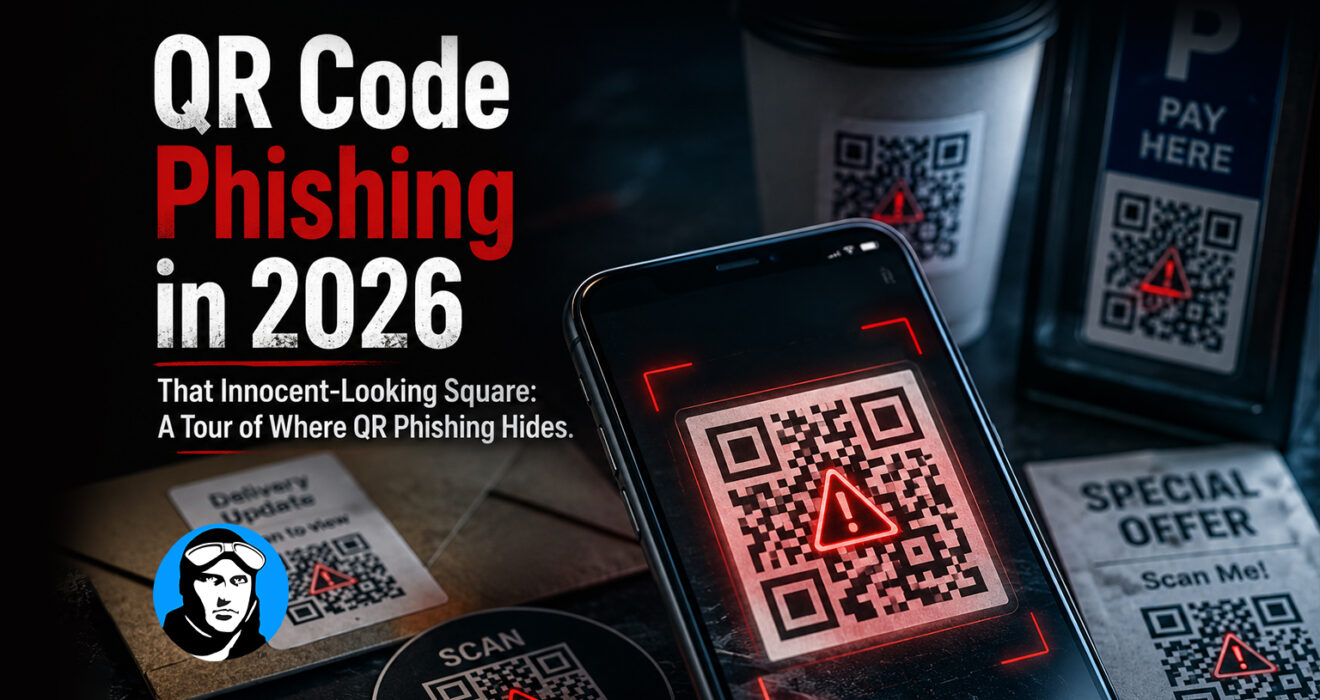
That Innocent-Looking Square: A Tour of Where QR Phishing Hides
Four ordinary places a QR code shows up, and no way to tell by looking which ones are real
Start in the office break room, where a printed flyer asks staff to “scan here” for the updated parking policy. Head to the mailroom, where a shipping label includes a QR code for tracking details. Check email, where an invoice notice includes a code instead of a link “for security.” Walk past the front desk, where a visitor sign-in poster has one taped to the counter.
All four are ordinary. Any one of them could also be fake, and there’s no way to tell just by looking.
That’s the entire appeal of QR code phishing, or “quishing,” for attackers: a QR code doesn’t show a link the way a hyperlink does. Nobody can hover over it to see where it actually goes. The one habit most people have built around suspicious links, checking before you click, simply doesn’t apply to a printed square.
What Happens After the Scan
A malicious code redirects to one of a few destinations: a login page built to look identical to Microsoft 365 or Google Workspace, a site designed to install something on the device, or a page that kicks off another round of phishing. Because most people scan with a personal phone rather than a managed work device, whatever protections exist on company computers usually aren’t there to catch it.
Why This Slips Past Existing Defenses
Most email security tools are built to scan links and attachments. An image of a QR code doesn’t always register the same way, so it can ride straight through filters designed for a different kind of threat. And because a printed sign feels more legitimate than an email, nobody expects a scam taped to the break room wall, people extend it a level of trust an email would never get.
The Businesses Feeling This Most
Anywhere sensitive or regulated data is involved, healthcare, legal, education, manufacturing, a single set of stolen credentials from a quick scan can turn into a much bigger problem than the scan itself. Shared office spaces and multi-tenant buildings make it worse, since a fake sign posted in a common area can look exactly as official as a real one.
Beyond “Just Be Careful”
Awareness only goes so far here, because the usual advice doesn’t actually apply. Employees can’t preview where a code leads, can’t tell by looking whether a printed one has been swapped or tampered with, and generally have no way to verify a QR code’s legitimacy in the moment. Treating this like a habit problem misses the point; it needs a systems answer instead.
A More Realistic Approach
Rather than banning QR codes outright, it’s more useful to build a few habits around them:
- Treat any QR code tied to payments, credentials, or “urgent” requests with the same suspicion as a strange link.
- Keep mobile access to business systems behind additional authentication.
- Periodically check where your own organization’s legitimate QR codes are posted and whether they’ve been tampered with.
The Bigger Pattern
QR phishing is really just the latest version of an older trend: phishing that doesn’t look like phishing anymore. Attackers have stopped relying on obvious red flags because businesses got good at spotting them. The response has to keep pace, assuming that “it looked normal” isn’t a safety check anymore, whether it arrived by email or was taped to a wall.
ACE Technology Group helps businesses close this specific gap: mobile access controls, layered email and endpoint protection, and employee awareness training that covers what phishing actually looks like today, not five years ago.
Smarter Phishing Protection Starts Here.
Phishing doesn’t always look like an email anymore. ACE Technology Group helps businesses strengthen mobile security, layer their defenses, and prepare employees to recognize evolving threats like QR code phishing before one quick scan becomes a bigger problem.